

Navigating AI with Your Child
Start the conversation about AI.
Kids are already encountering AI in places like search engines, apps, games, and even homework tools. Talking about what AI is, where it shows up, and how it affects our daily lives can help them become thoughtful users of the technology. Discuss where AI apps can be helpful, where they might create challenges, and why it’s important to think critically about when and how to use them.
Explore AI apps together.
One of the best ways to teach kids about AI apps is to learn alongside them. Try using AI together to answer a family question, plan a weekend trip, or create something fun. Exploring AI apps as a family provides a safe space to learn, ask questions, and model responsible use.
Help kids see AI apps as a learning tool, not a shortcut.
AI apps can be a great help when kids are learning. They can explain concepts, answer questions, and offer new ways of looking at a problem. But apps can’t do the learning for them. Think of AI apps like a calculator, GPS, or instructional video: they can support the journey, but kids still need to build the skills, do the thinking, and bring their own unique ideas to the table. That’s what makes their work meaningful and lets their voices shine.
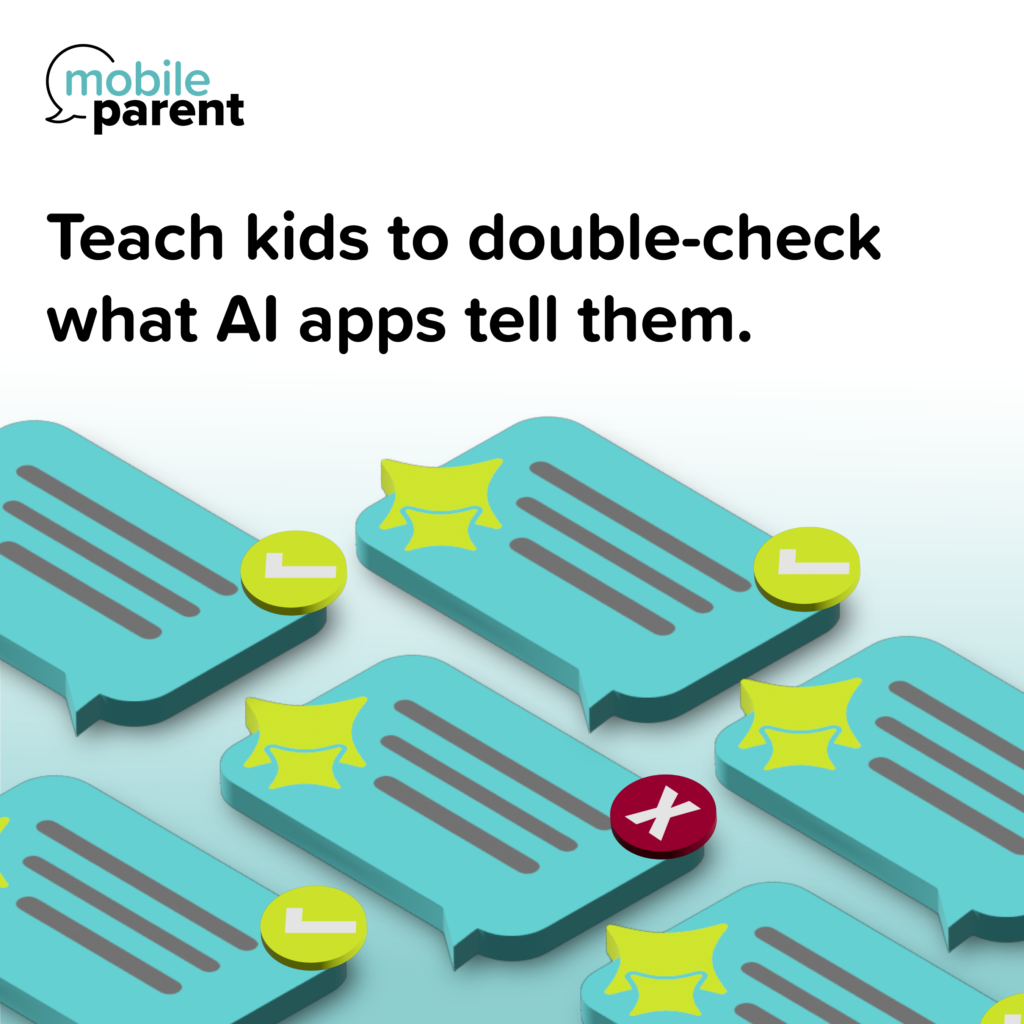
Teach kids to double-check what AI apps tell them.
AI apps can be helpful, but they don’t always get things right. Encourage kids to approach AI-generated answers with curiosity and a healthy dose of skepticism. Checking sources, comparing information, and asking “How do we know this is true?” are valuable habits that help build strong critical-thinking skills.
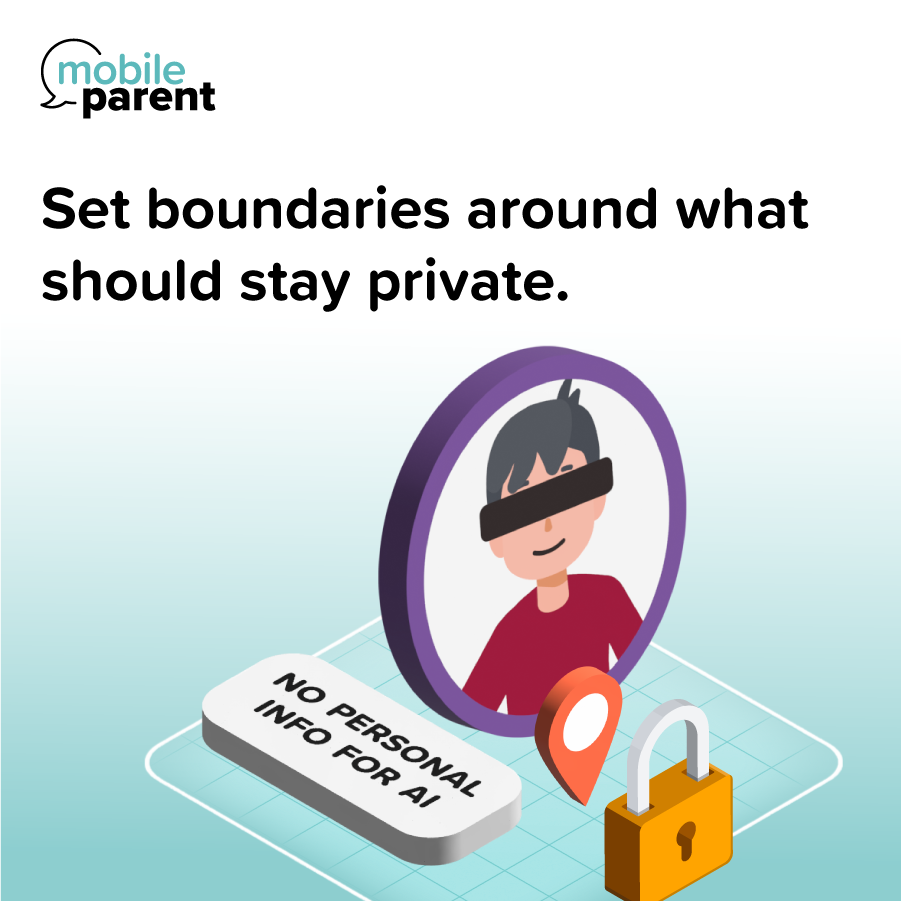
Set boundaries around what should stay private.
Some AI tools may feel conversational, but they’re not the same as talking to a trusted friend or family member. Help kids understand that personal information, such as passwords, financial details, home addresses, and other private family information, should never be shared with AI apps and services.
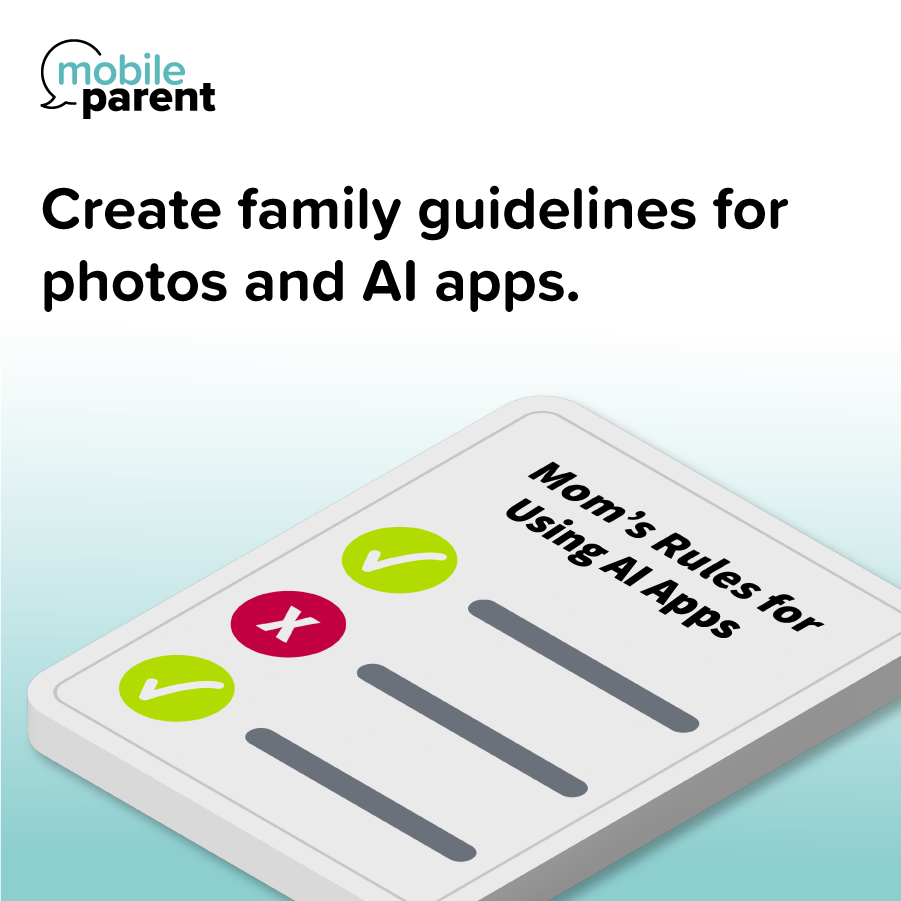
Create family guidelines for photos and AI apps.
Before uploading photos to AI tools or sharing them online, take time to understand how those images may be used. Setting family expectations around photo sharing can help protect privacy and give everyone greater control over their digital footprint. It’s also a good opportunity to talk about deepfakes and how AI can be used to alter images, making it important to protect personal photos and use AI apps responsibly.
Resources
AT&T’S THE ACHIEVERY VERIZON’S PARENTING IN A DIGITAL WORLD
Check out our other guides for parents.